 Touch Typing
Touch typing practice for Android
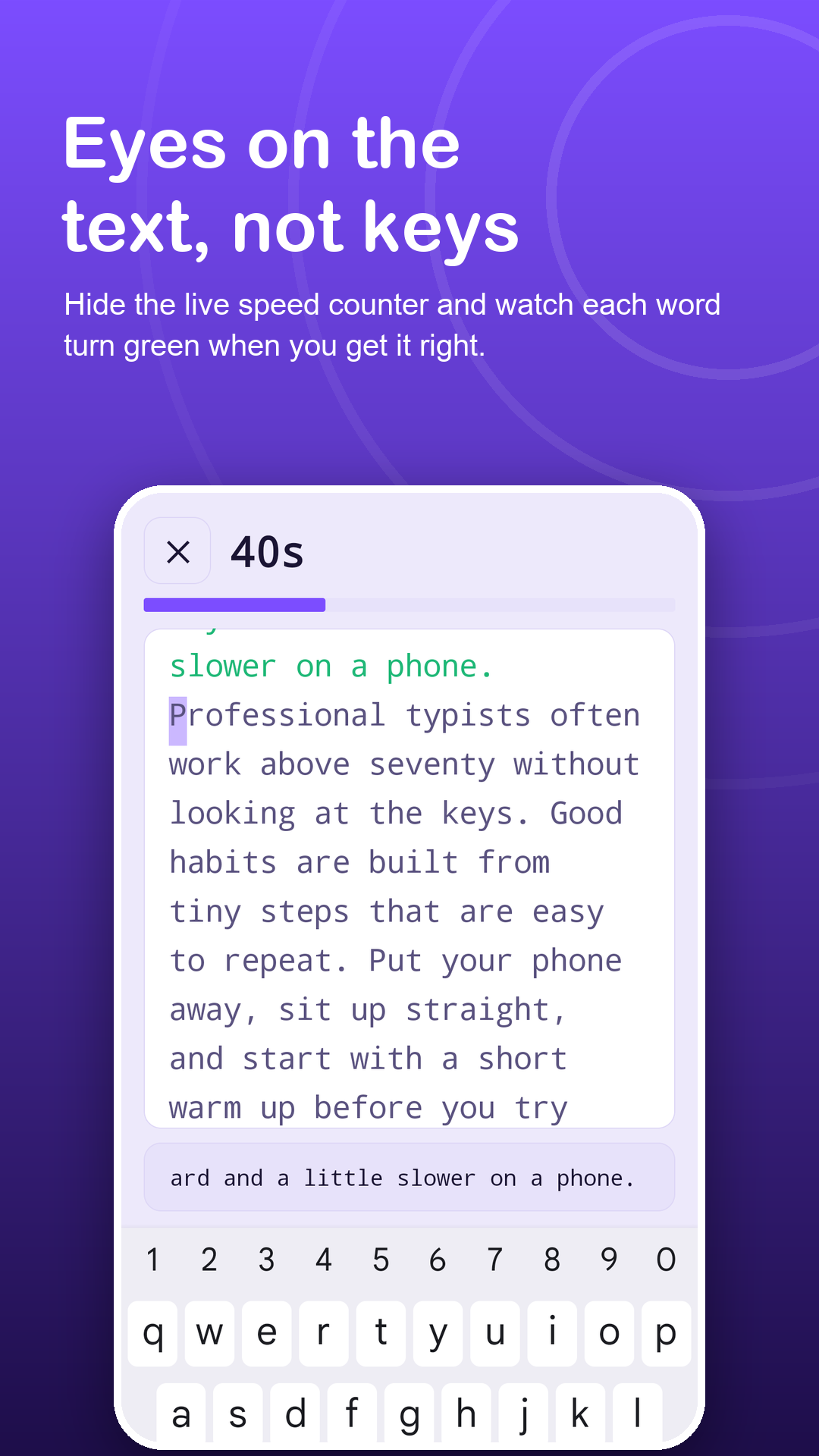
Eyes on the text, not the keys.
Short timed sessions turn accurate touch typing into real speed. Feel a buzz on every wrong key, keep accuracy high, and let your words per minute follow.
Android 7.0+ · Bluetooth and USB keyboards · no account
Screenshots
Practice that keeps your eyes up.
How it works
A simple lesson plan.
Start with accuracy
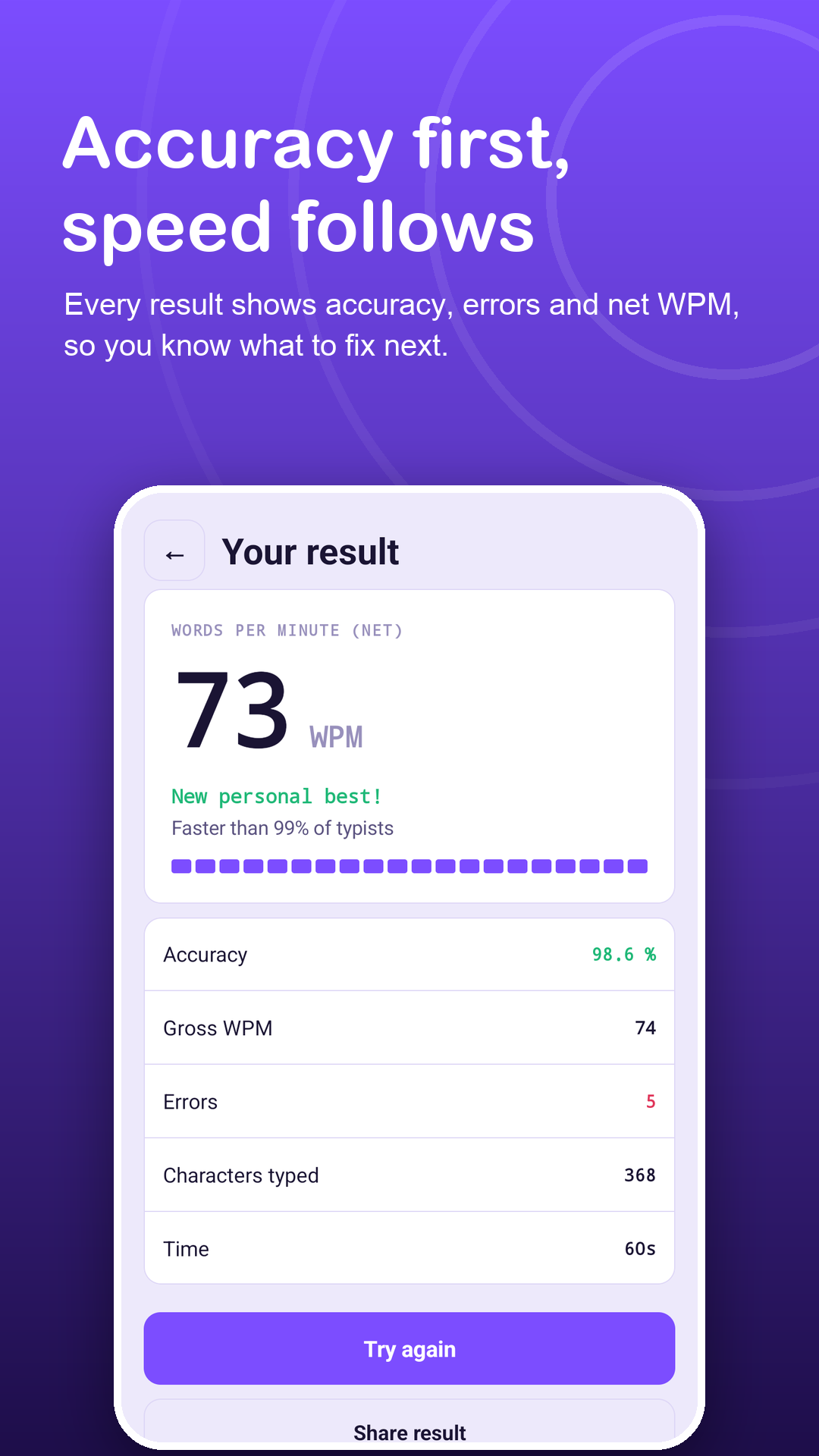
Common words at 30 seconds. Aim for 95% accuracy or more before you chase speed.
Cover the whole keyboard
Punctuation brings in capitals, commas and brackets; Numbers trains the top row.
Build rhythm
Paragraphs at 60 or 120 seconds, then a long plain-text Exam to test typing blind.
Features
Built for typing by touch.
Wrong-key vibration
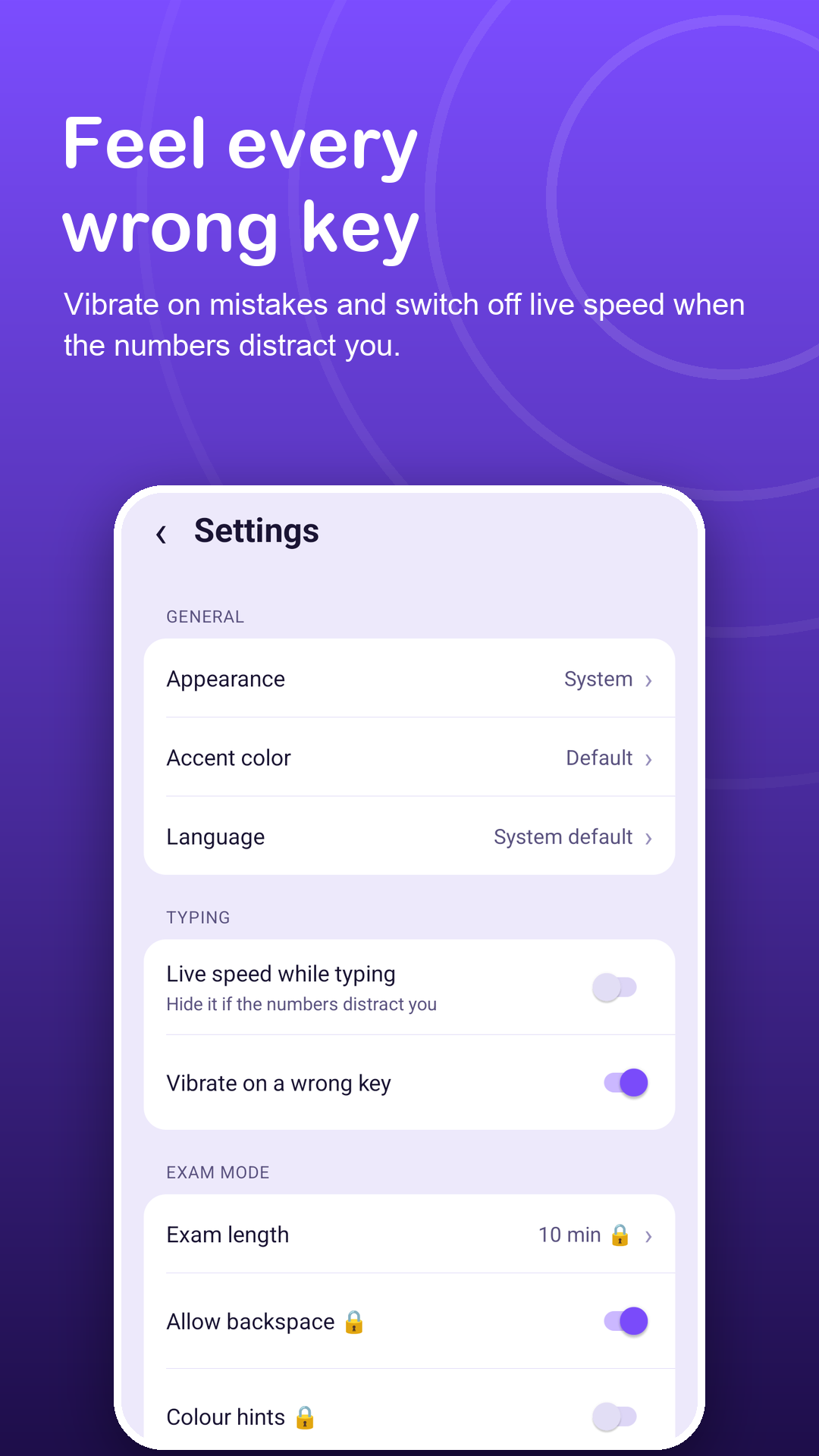
An optional short buzz tells you about a slip without looking down at the keyboard.
Distraction-free
Hide the live speed counter and keep your attention on the text.
Fair, word-by-word scoring
One wrong letter costs one word, and a stray space does not throw off the rest.
Speed and accuracy, apart
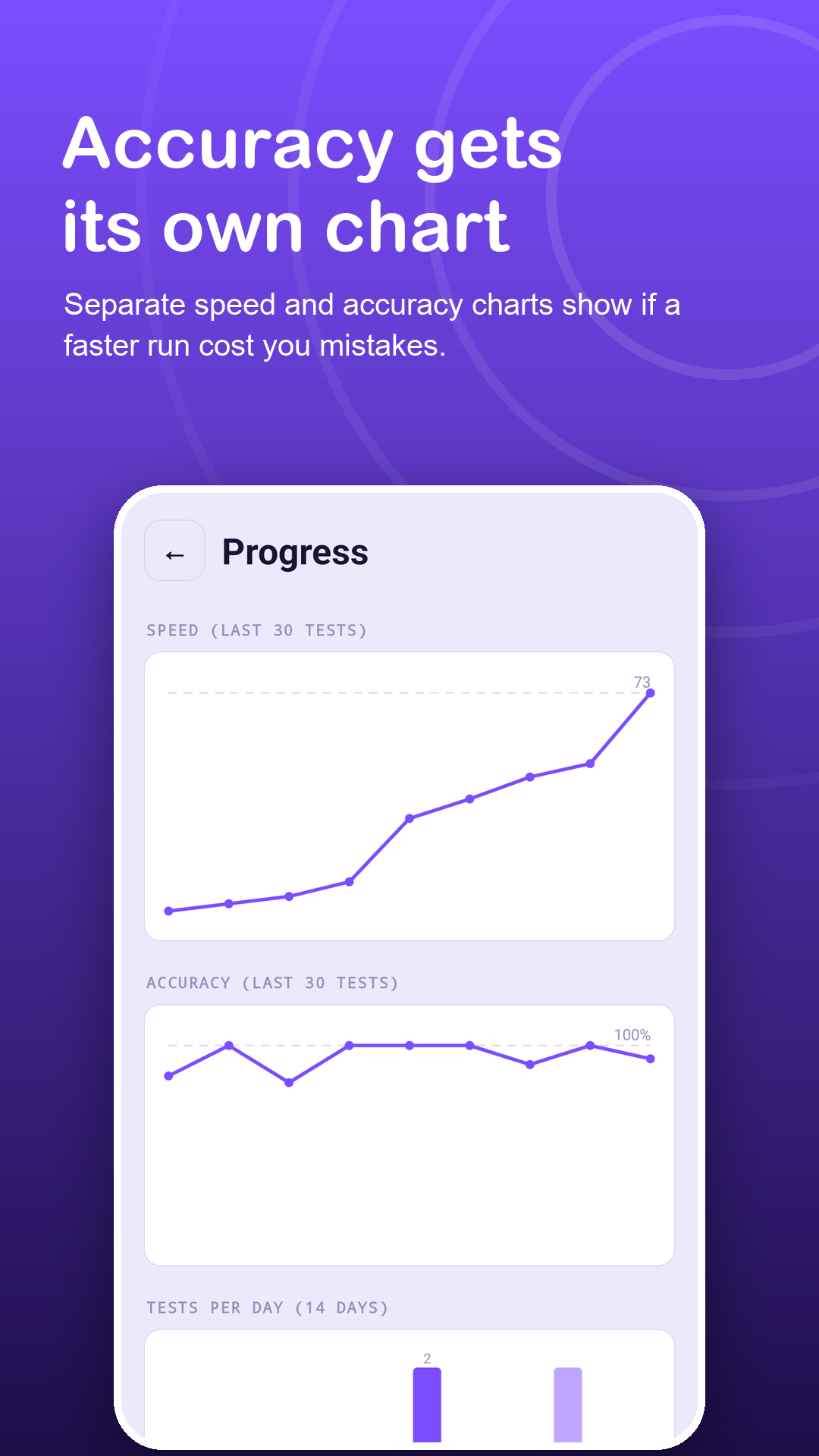
Separate charts for your last 30 sessions show whether speed is rising without accuracy slipping.
Real keyboards
Bluetooth and USB keyboards in portrait or landscape; connecting one mid-session keeps your progress.
Your own lessons
Paste a chapter, code snippets or tricky words into My texts and repeat them as timed lessons.
Privacy
Nothing you type is uploaded.
No account needed. Sessions, streaks and saved texts stay on your device. The internet is used only for ads, Google Play purchases and anonymous usage and crash statistics. Read the privacy policy.
FAQ
Fair questions.
Does the app teach finger positions?
No. It does not show finger diagrams. It is a place to practise touch typing with timed sessions and honest feedback once you know the basics.
How does the wrong-key vibration work?
Turn on Vibrate on a wrong key in Settings. Each time you make a new error the phone gives a short buzz, so you can notice it without looking at the keys.
Can I use a physical keyboard?
Yes. Bluetooth and USB keyboards work in portrait or landscape, and connecting one mid-session keeps your progress.
Will ads interrupt a session?
No. Ads never appear on the typing screen or the result screen.
What does Premium add?
No ads, full history with CSV export, unlimited saved texts and custom exams of 5 to 30 minutes with Backspace locked or allowed and colour hints on or off.
Which permissions does the app need?
Only internet access (for ads, purchases and anonymous usage and crash statistics) and vibration (for the optional wrong-key feedback). It does not use the Accessibility API, overlays, contacts, files or location.